Tool Review #1 - The Answer Pad app

The Answer Pad is a free student response app I read about on Pinterest. When a teacher logs on, he or she is given a connect code. Any student can "join" the class with the code. The teacher can then ask a questions orally or by presenting it on the board. Students respond via the app and all the data is sent back to the teacher. It is an efficient way to be sure all students are engaged and participating. The teacher can choose whether responses are multiple choice, yes/no, true/false, short answer, or even a drawing. The teacher can even send out a template for students to complete such as a graphic organizer, math graph, science diagram, or exit ticket. You can even upload your own image to send out. This app allows the teacher to quickly check students responses and decide how to proceed with instruction. Teachers and students do not need much technological knowledge to use this program. After setting up an account, I easily discovered various question templates and practiced answering using my phone. I believe any teacher can quickly become proficient with the app. I am looking forward to trying out Answer Pad with my class this year!
Click here to try out The Answer Pad
 |
| Works great for formative assessment photo from Aleverandaplacetostand.blogspot.com |
 |
| Teachers can see each student's response |
 |
| Students can annotate on templates |
Tool Review #2 - Kahoot!

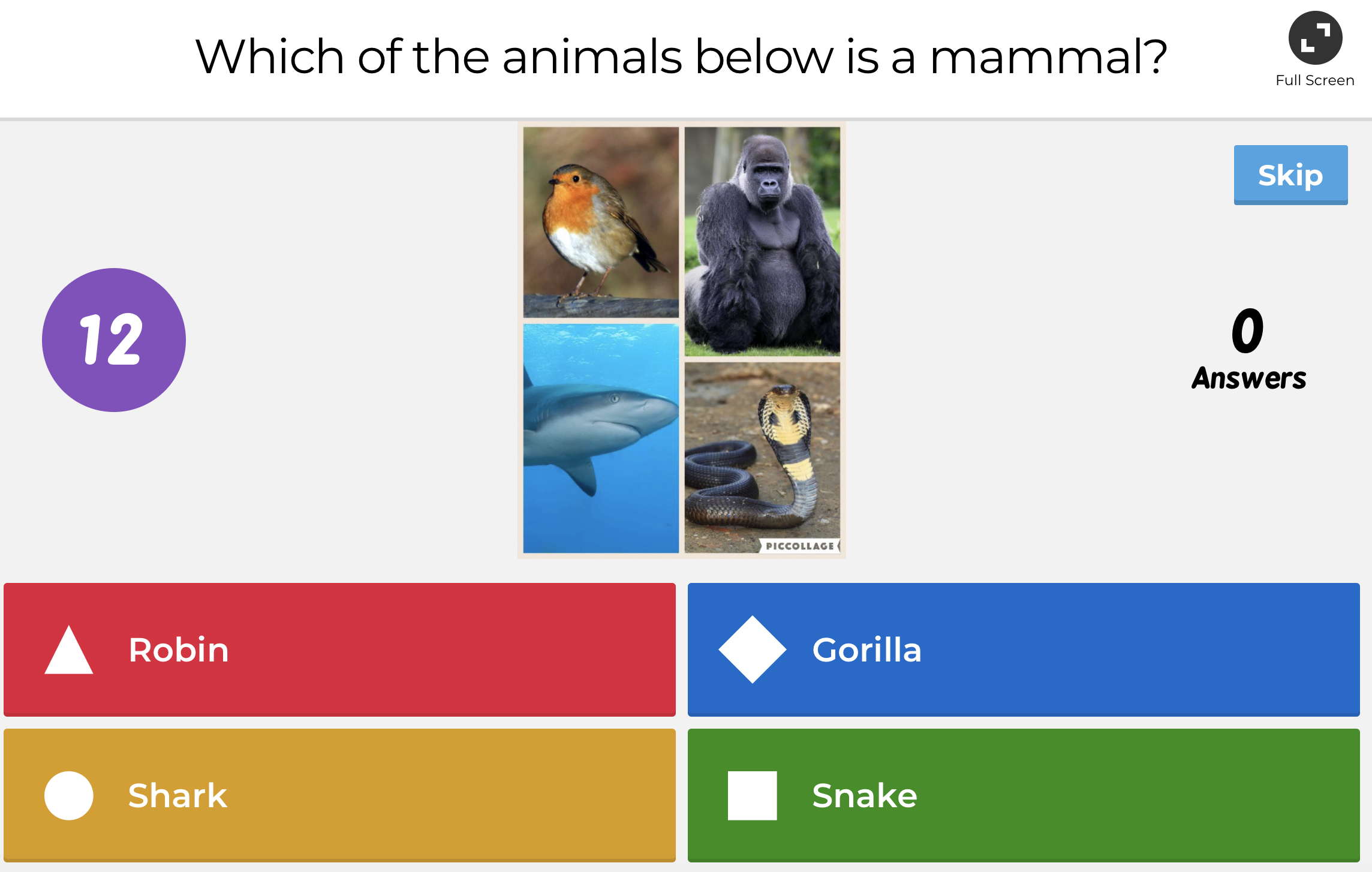
Earlier this year, I read about Kahoot! in a 5th Grade Teacher Facebook group. Many of the teachers were so pleased with the enthusiasm of their students when using Kahoot! - I became very insterested. After trying it out in my classroom this year, I completely agree! Kahoot is a game-style quiz website that allows students to log in and answer questions. Students are awarded "points" for speed and correctness. "Awards" are given to the highest scores at the end of the quiz. Teachers can choose to create their own quizzes or use one of thousands already available. My students loved Kahoot! We began by using it as a "Fun Friday Reward" - my students would form teams and compete against one another on various topics from animals to Disney movies. Later in the year, we began using it during class to review content. I could easily tell who was mastering skills and who needed more support. Teachers can search specific objectives, but I preferred creating my own quizzes based on what we had discussed in class. While it does not require more than basic website experience, teachers may want to "practice" finding and assigning quizzes before using it in class. I think Kahoot! is a fun and useful tool for encouraging participation and formatively assessing students during class discussion. I hope you will try it out!
Click here to try out Kahoot!


No comments:
Post a Comment